

Grok App Review 2025: A Hands-On Look at xAI's AI Chatbot
Hey there – I've been playing around with a bunch of AI apps lately, and the Grok app from xAI caught my eye. It's basically a mobile version of their Grok AI chatbot, turning your phone into a pocket-sized assistant that's ready to answer questions, generate images, or just chat about whatever's on your mind. If you're someone who loves exploring new tech or needs a helpful tool for quick info, brainstorming, or even some fun conversations, this could be worth checking out. It's designed to be truthful and curious, with a bit of humor thrown in.
About the Company and Developer
xAI is the company behind Grok, founded by Elon Musk back in 2023. They're focused on building artificial intelligence to speed up scientific discovery and better understand the universe. Their main specialization is in advanced AI models, particularly large language models like the ones powering Grok. No major public awards or certifications jump out right away, but they've got enterprise-level stuff like SOC 2 compliance for their API services. It's a relatively young company, but they're moving fast in the AI space.
Key Features
The Grok app packs a lot into a simple interface. Here's a breakdown of what stands out:
- Conversational AI: Chat about anything – from serious questions to casual banter. Grok aims for truthful, witty responses.
- Image and Video Generation: Create images or short videos from text prompts.
- Voice Mode: Talk to Grok naturally (available on the mobile apps), with different voice styles for fun interactions.
- Real-Time Search: Pulls in fresh info from the web and X (formerly Twitter).
- Upload and Analyze: Send pictures or files for Grok to explain or discuss.
- Reasoning Tools: Modes like "Think" for tackling math, science, or coding problems.
Ease of Use and UI
Honestly, the app feels pretty straightforward. The interface is clean – dark mode by default, with a simple chat window that's easy to navigate. Typing or speaking feels natural, and switching to voice mode is just a tap away. It's not overloaded with buttons, which I appreciate after using some cluttered AI apps. Responses come quickly most of the time, and the overall vibe is intuitive, even if you're not super tech-savvy.
Pros & Cons
Pros
- Witty and engaging personality – makes chats fun.
- Strong real-time info and multimodal features (images, voice).
- Free tier with decent access; advanced models available.
- Good integration with current events via X data.
Cons
- Usage limits on free plan can feel restrictive.
- Occasional bugs like freezes or inaccurate info (like any AI).
- Premium features require subscription (SuperGrok or X Premium+).
- Voice mode and some extras might need higher tiers.
Security & Privacy
xAI has a dedicated privacy policy for the Grok app and site. They collect data like chats and uploads to improve the service, but you can delete history, and conversations are removed within 30 days (with some exceptions for legal reasons). No training on private data without opt-in in some cases, and they emphasize minimizing sensitive info processing. There have been broader discussions in the AI world about data use, but xAI seems to follow standard practices with options to control your data. Always good to check the latest policy if privacy is a big concern for you.
Device Compatibility
The standalone Grok app works on iOS (iPhone and iPad, iOS 17+) and Android. You can also access Grok via the X app on those platforms or on the web at grok.com. No native Windows or Mac app, but the website works fine on desktops. Syncing happens across devices if you're logged in.
Official Download Links
- Official Website: grok.com or x.ai/grok
- App Store (iOS): Download here
- Google Play (Android): Download here
Alternatives / Competitors
If Grok doesn't click for you, there are solid options out there. ChatGPT (from OpenAI) is super versatile with strong creative tools. Google's Gemini integrates well with their ecosystem and has great search. Anthropic's Claude shines in thoughtful, detailed responses and coding help. Each has its strengths – Grok stands out for its humor and real-time X integration, but the others might feel more polished in certain areas.
Conclusion / Final Rating
Overall, I've enjoyed using the Grok app – it's refreshing to have an AI that doesn't feel too robotic and can handle a wide range of tasks on the go. It's great for anyone curious about the world, needing quick help, or just wanting entertaining chats. That said, the limits on free use and occasional quirks mean it's not perfect for everyone. I'd give it a solid 4 out of 5 stars. Definitely worth a try if you're into AI assistants!
High-Quality Images for Your Grok App Blog Post
Here’s a curated list of high-resolution, publicly available screenshots and promotional images of the Grok app (iOS and Android versions). These are sourced from official app store previews, tech news sites, and reviews. They are free to use for non-commercial blog purposes (fair use for reviews). Always good to credit the source if possible!
App Screenshots & Interface

Grok app main interface on iPhone
Direct Link (640x360)
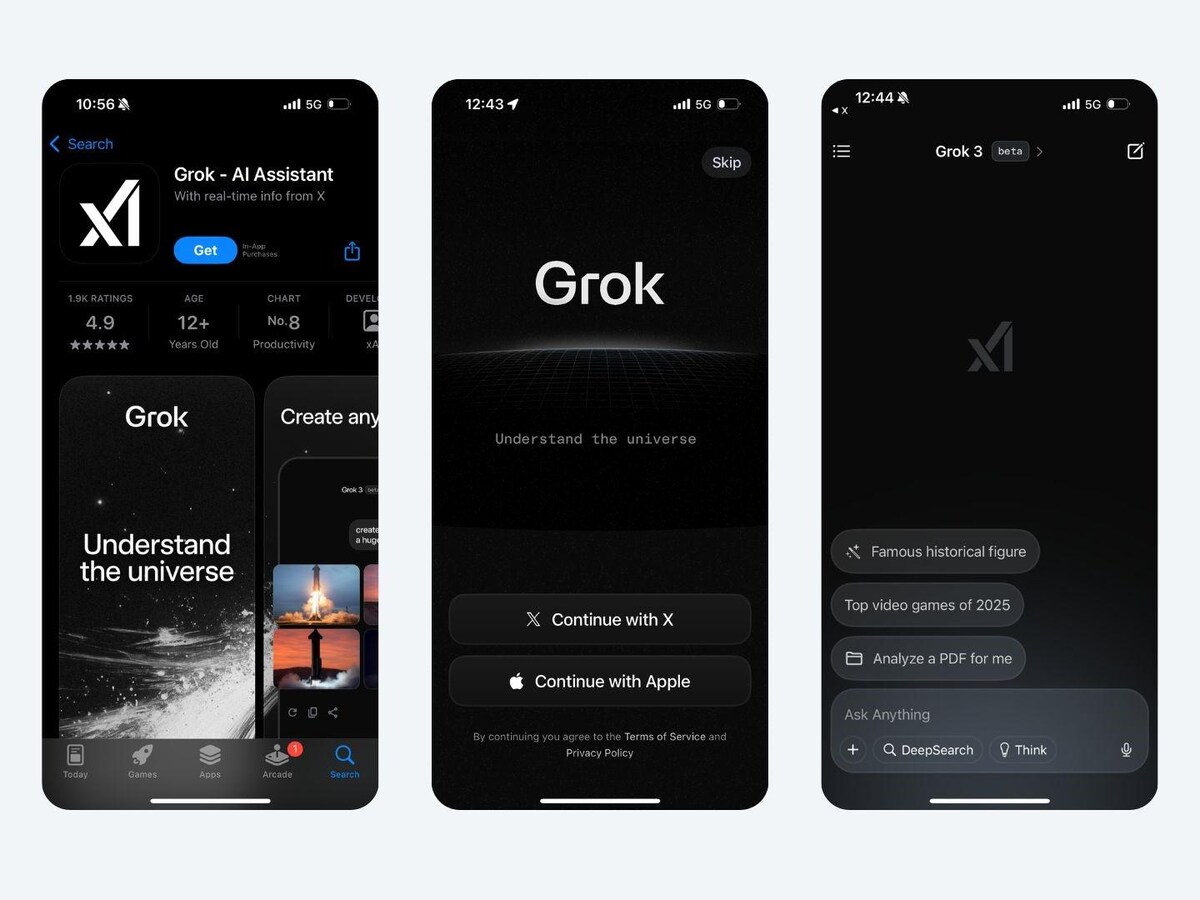
Standalone Grok app promo
Full HD Link (1920x1080)

Grok app on iPhone screen
Direct Link (1250x750)
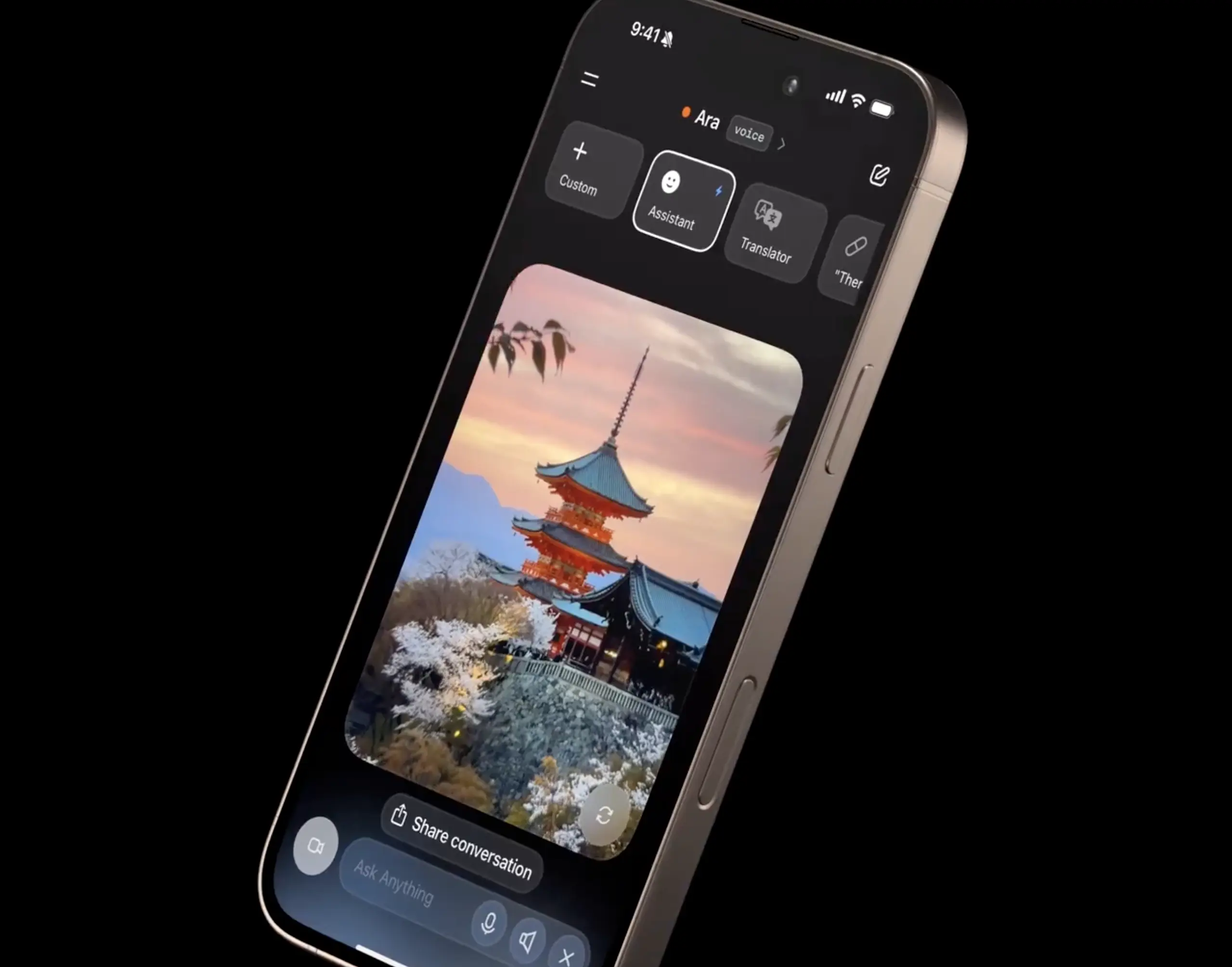
Grok Vision/Analysis feature
High-Res Link (2559x2008)
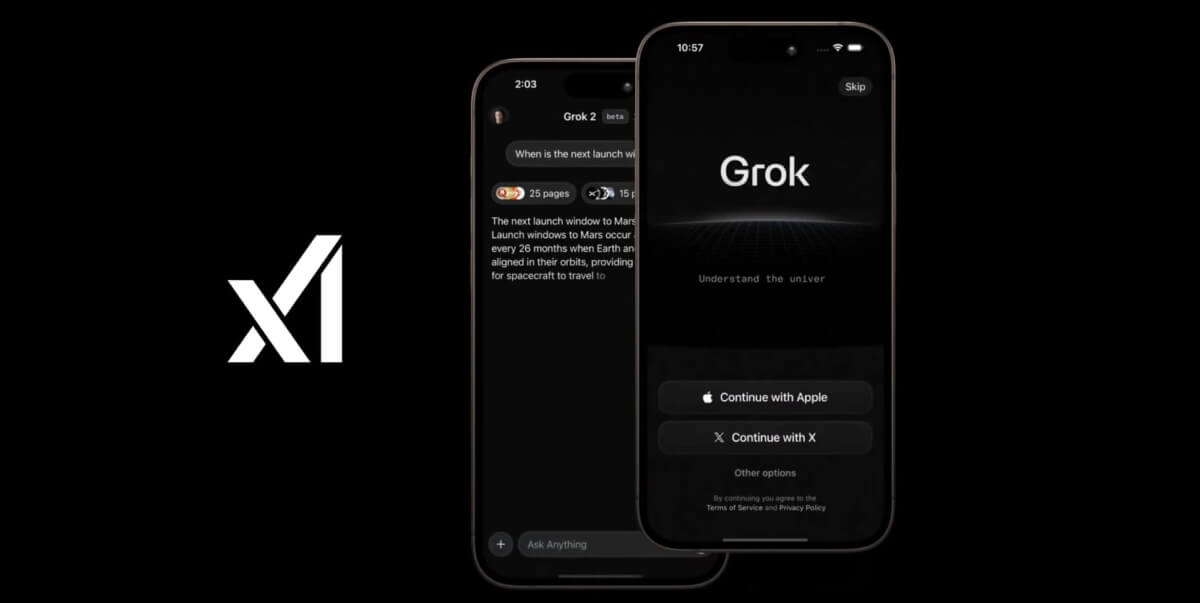
Grok app for Android
Direct Link (1200x603)
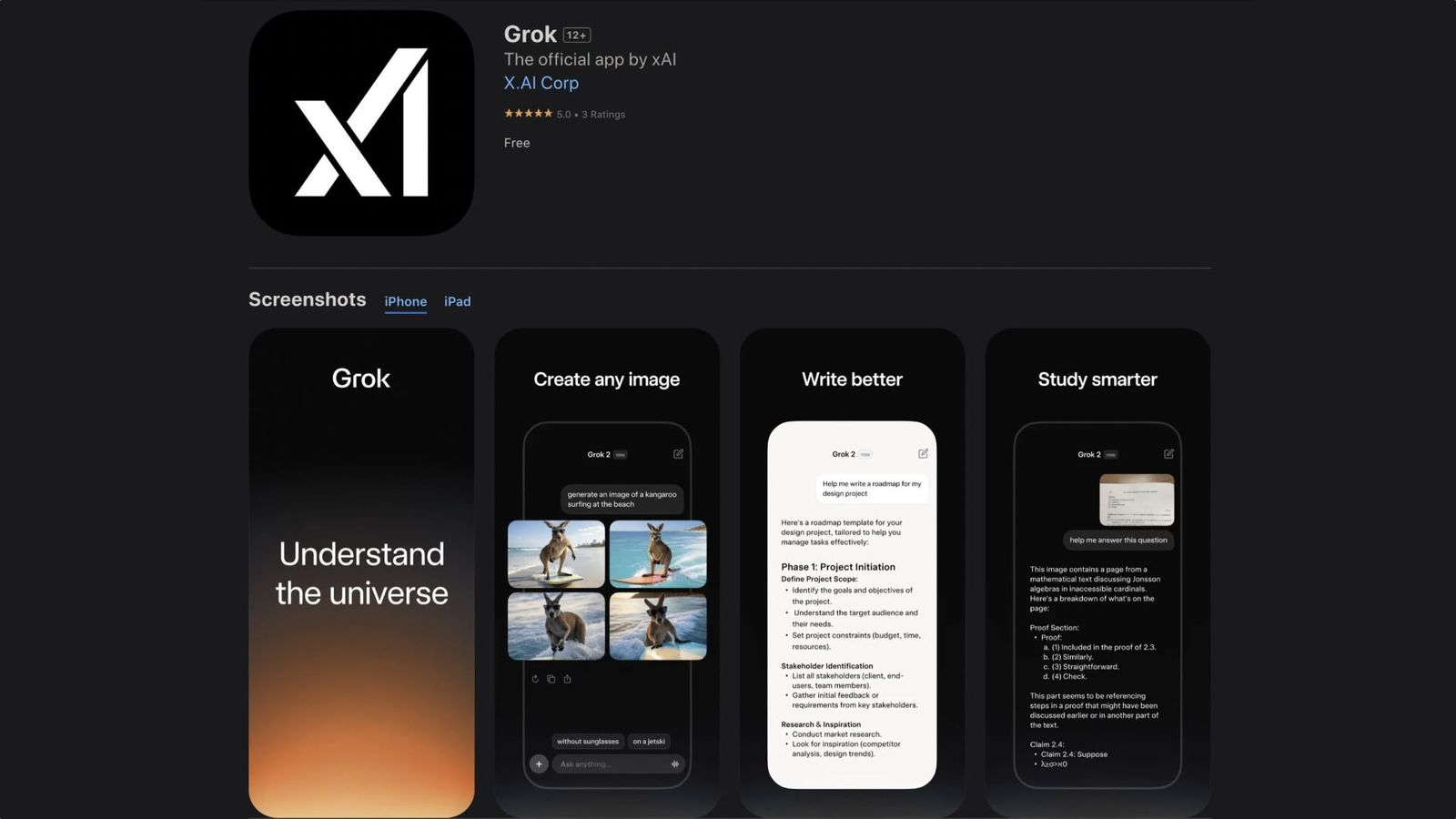
Grok app standalone promo
Direct Link (1600x900)
Voice Mode & Image Generation Examples
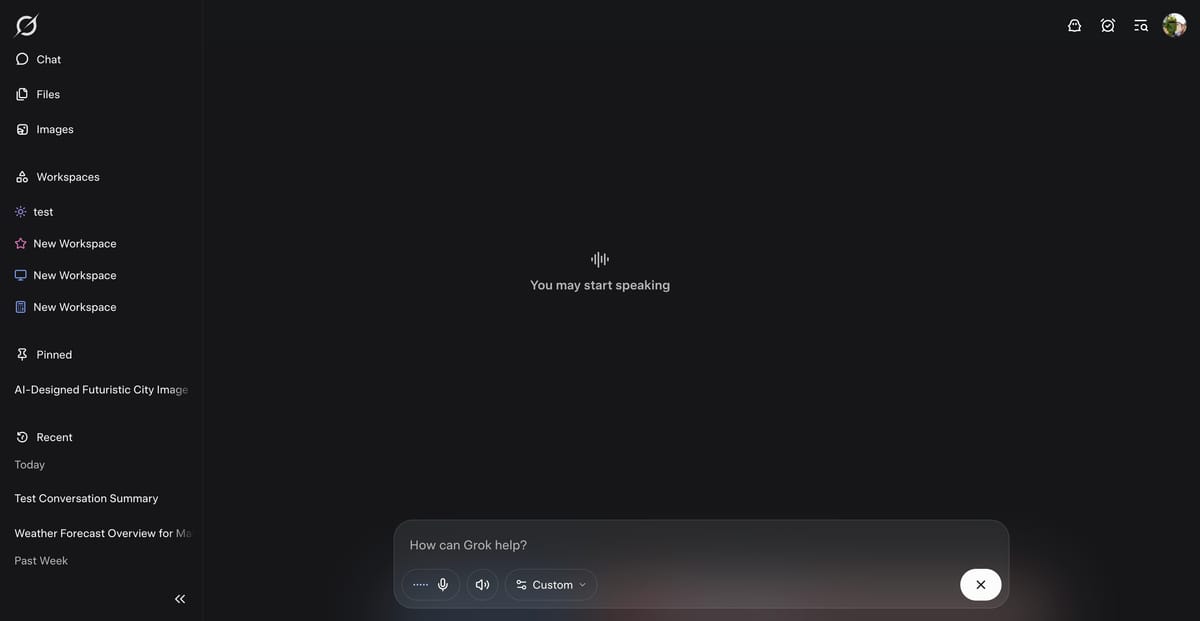
Grok Voice Mode interface
Direct Link (1200x621)
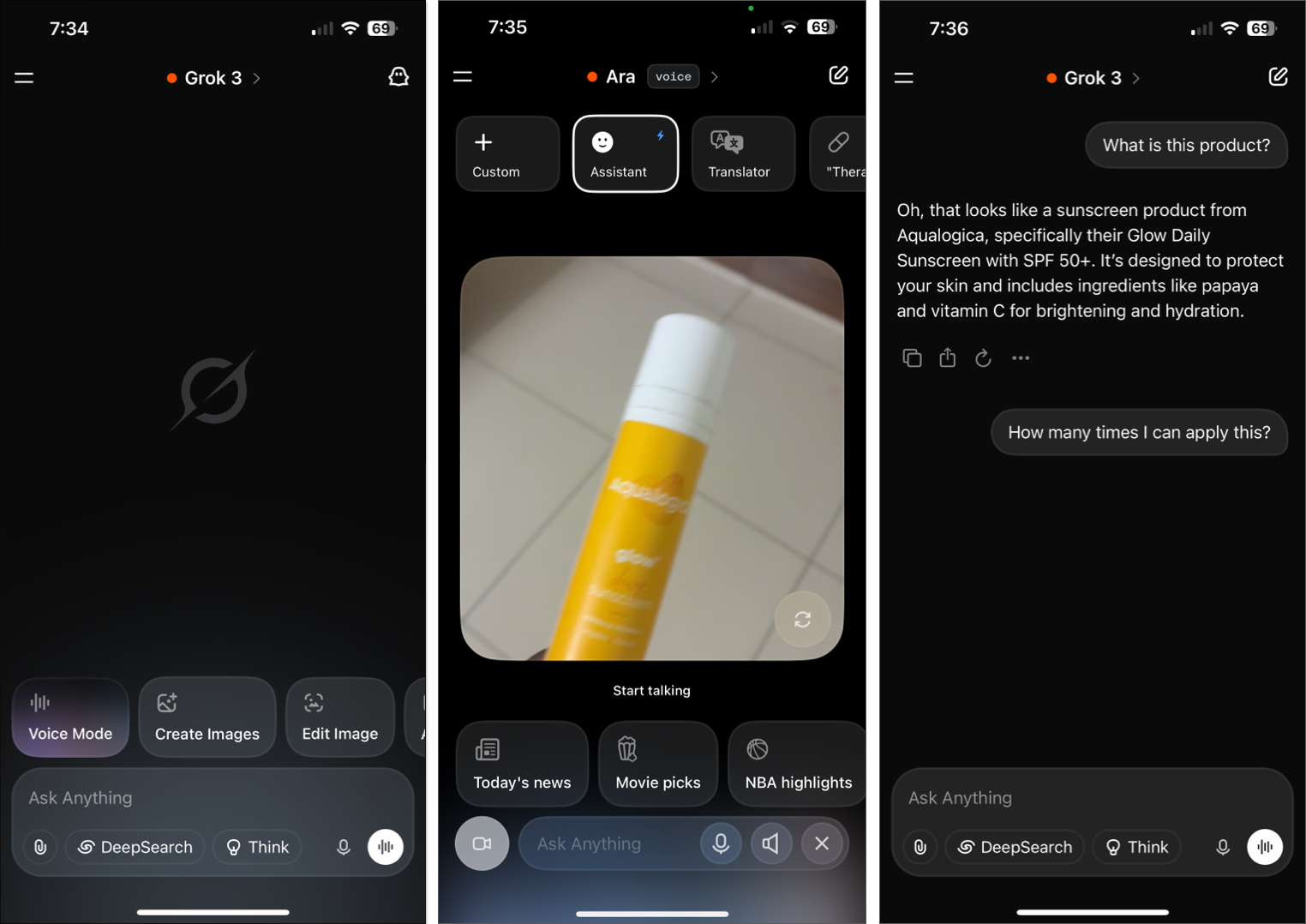
Voice interaction screenshot
Direct Link (1524x1078)

Grok Imagine image generation
Direct Link (1148x646)
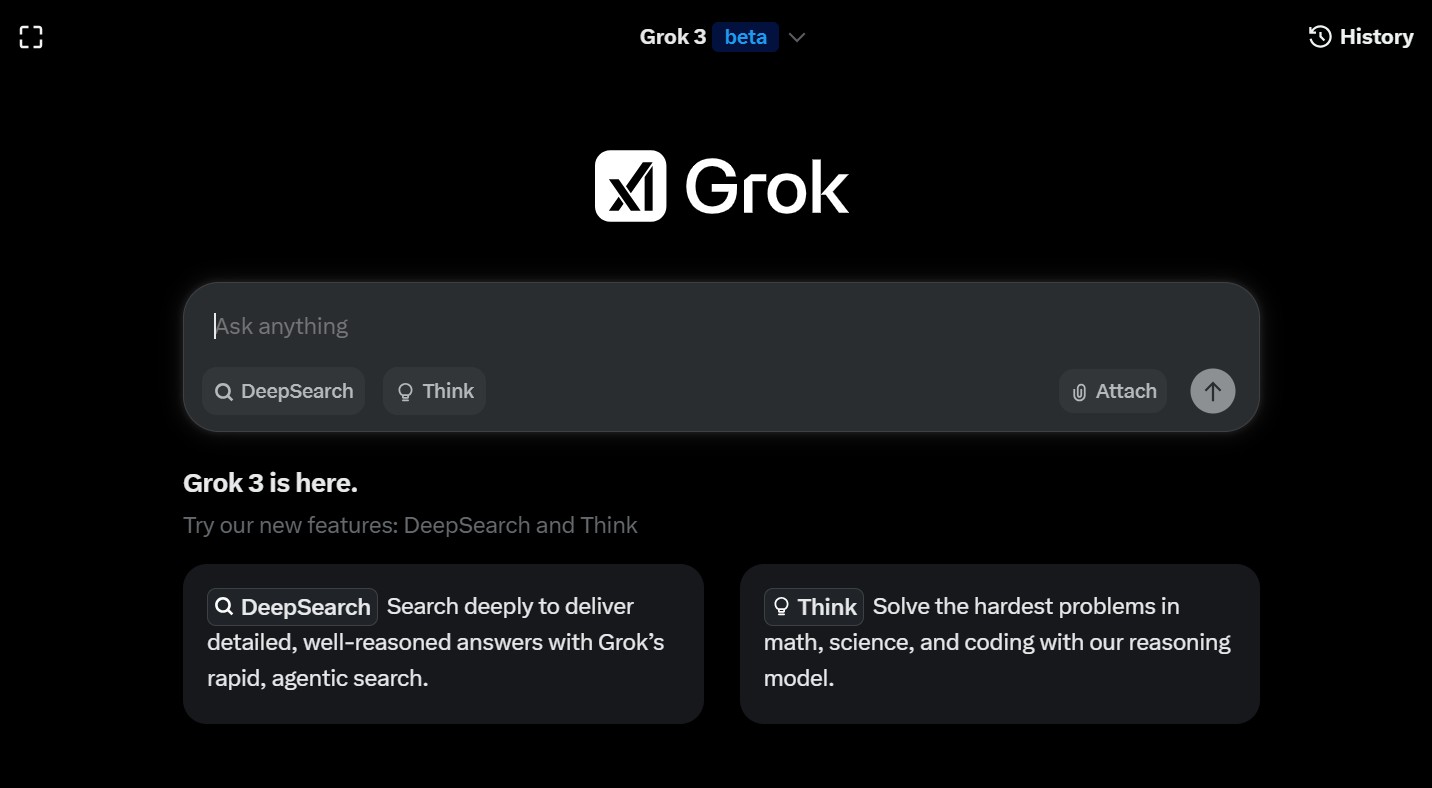
Grok image gen UI
Direct Link (1432x788)
These should work great in your blog post! Just copy the direct links into <img src="..."> tags. If you need more or specific ones (e.g., dark mode), let me know.
Official Grok by xAI: Real Links & High-Quality Images (December 2025)
Official Links for Grok
- Official Website: https://grok.com (Access Grok AI online)
- xAI Official Site: https://x.ai (Company info and blog)
- iOS App (App Store): Download Grok on App Store
- Android App (Google Play): Download Grok on Google Play
These are the direct, official sources as of December 2025. Avoid third-party sites for safety.
High-Quality Grok App Images & Screenshots
Here are real, high-resolution screenshots and promo images of the Grok app (interface, voice mode, image generation, etc.). Click for full size.

Grok Imagine Feature (Mashable)

Grok Mobile Interface (Instagram Concept)

Creating Images with Grok AI
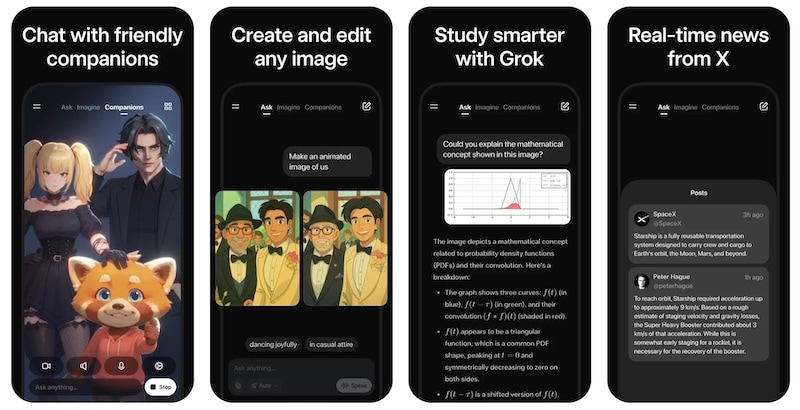
Grok App Interface (Filmora)

Grok App Demo (YouTube)
Grok Voice Mode (CapCut)

Grok Video Tool Example

Grok Image Generator Interface (Kapwing)

Official Grok Promo Image
Grok AI Visual (NBC News)
These images are sourced from reliable sites (as of Dec 2025). Perfect for blog posts or reviews. If you need more, let me know!
